Активация продуктов JetBrains 2024.2.х и 2025.2.х и 2026.2.х
Категорически осуждаю использование нелегальных активаций. Используйте на свой страх и риск. И лучше покупайте оригинальные лицензии чтобы обеспечить стабильность проектов.
В крайнем случае используйте бесплатные аналоги, которых слава богу хватает.
В данной статье поделюсь информацией найденной в сети, как активировать продукты JetBrains версии 2022,2023,2024,2025, такие как PhpStorm, WebStorm, IntelliJ IDEA, RubyMine, PyCharm и другие, а также плагины (например, Laravel Idea).
Шаг 1: Подготовка
- Скачайте архив:
https://3.jetbra.in/files/jetbra-5a50fc03d68a014f893b7fc3aa465380d59f9095.zip
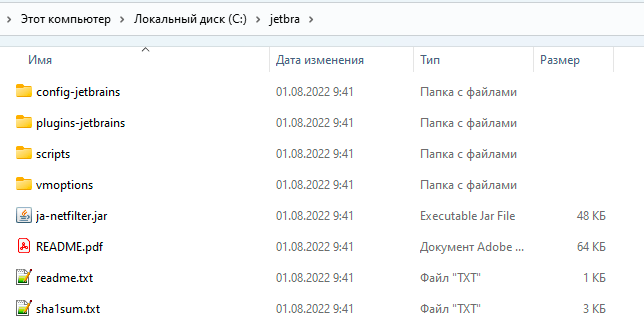
- Распакуйте его, например, в корень диска
C:\.
Шаг 2: Установка скрипта
Перейдите в папку scripts и запустите скрипт, подходящий для вашей системы:
install-current-user.vbs— для текущего пользователя Windows.install-all-users.vbs— для всех пользователей Windows.install.sh— для Linux/macOS.
Результат выполнения
-
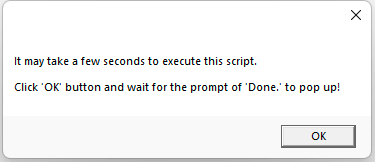
В Windows вы должны увидеть сообщение об успехе:
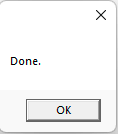
А затем подтверждение:
-
В Linux результат будет примерно таким:

Внимание! После выполнения скрипта в Linux обязательна перезагрузка.
Шаг 3: Альтернативный способ (Ручная настройка)
Если скрипт не сработал, вы можете настроить всё вручную.
В файл vmoptions вашей IDE (например, phpstorm64.exe.vmoptions для PhpStorm) необходимо добавить строку:
-javaagent:C:\jetbra\ja-netfilter.jar=jetbrains
Важно! Название файла
vmoptionsотличается для разных IDE.
- Для WebStorm —
webstorm64.exe.vmoptions- Для PyCharm —
pycharm64.exe.vmoptions- И так далее.
Шаг 4: Получение кода активации
-
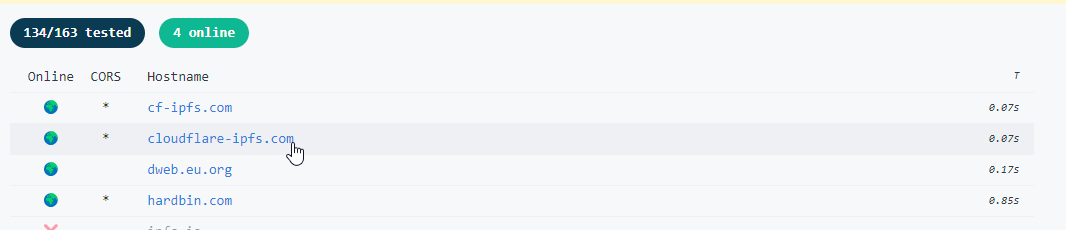
Перейдите на сайт 3.jetbra.in и выберите любой доступный хост.
-
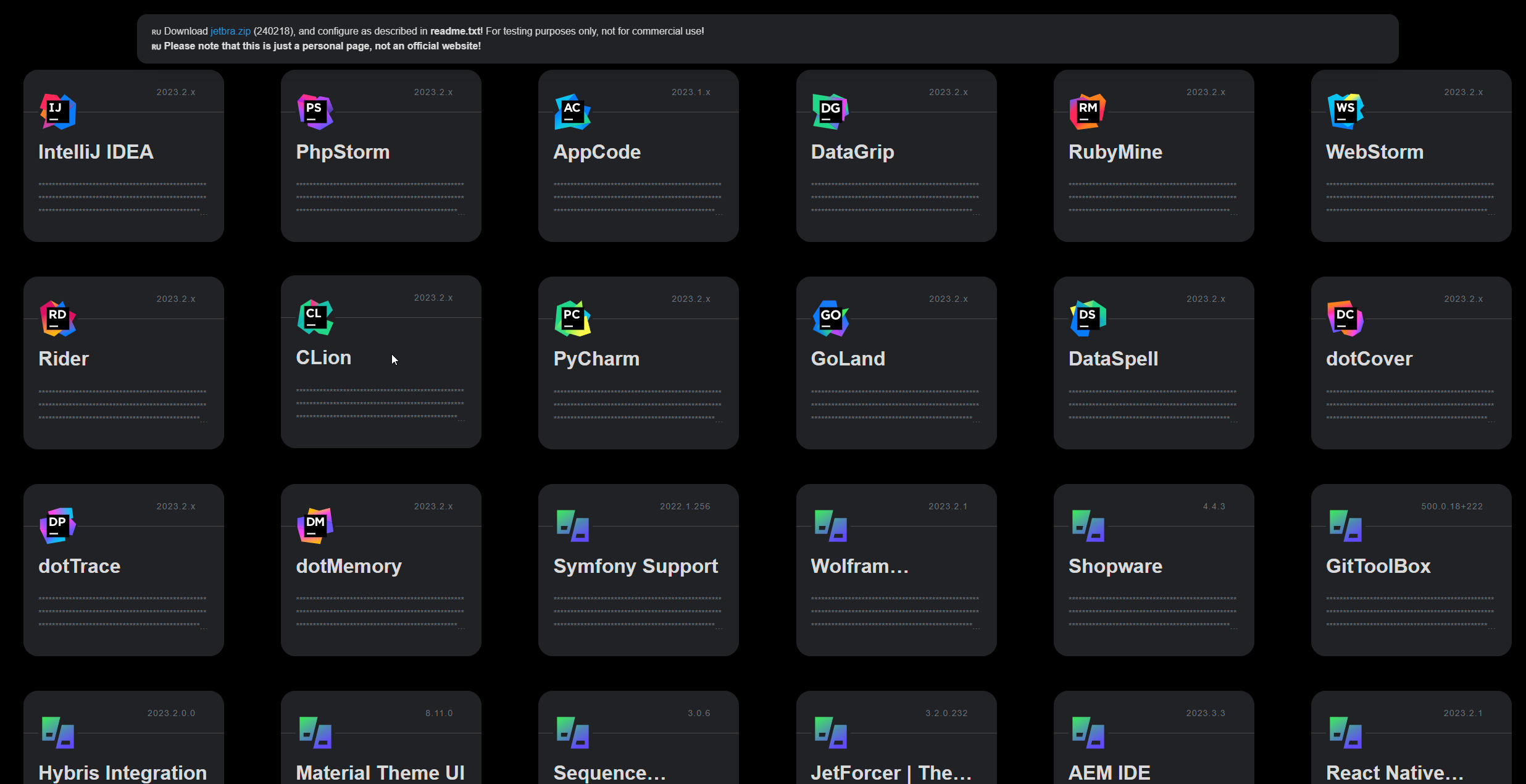
В открывшемся списке найдите нужный вам продукт (например, PhpStorm).
-
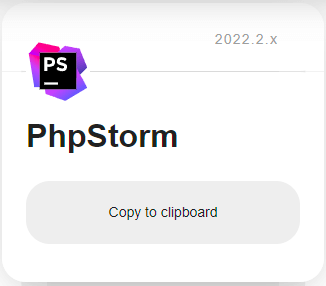
Нажмите кнопку
Copy to clipboard, чтобы скопировать код активации.
Шаг 5: Активация IDE
ПЕРЕЗАПУСТИТЕ IDE!
- Запустите IDE (в моём случае это PhpStorm).
- Перейдите в меню
Help→Register. - Выберите опцию
Activation Code. - Вставьте скопированный код в поле и подтвердите.
Результат
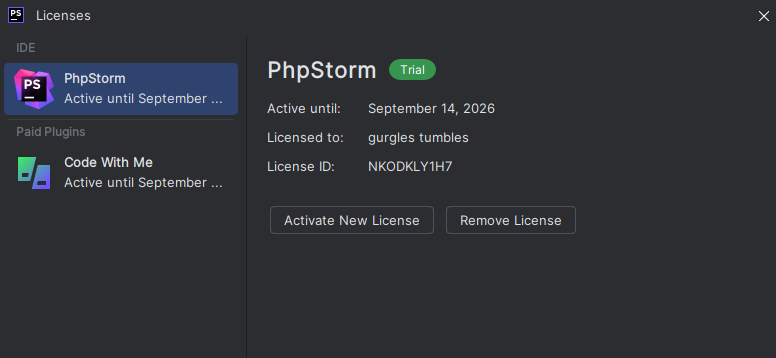
В результате вы получите активированную IDE. На скриншоте видно, что лицензия активна до 2026 года (по словам разработчиков, активация может работать и до 2099 года, но это покажет время ).
Примечание: Используйте данную информацию на свой страх и риск.