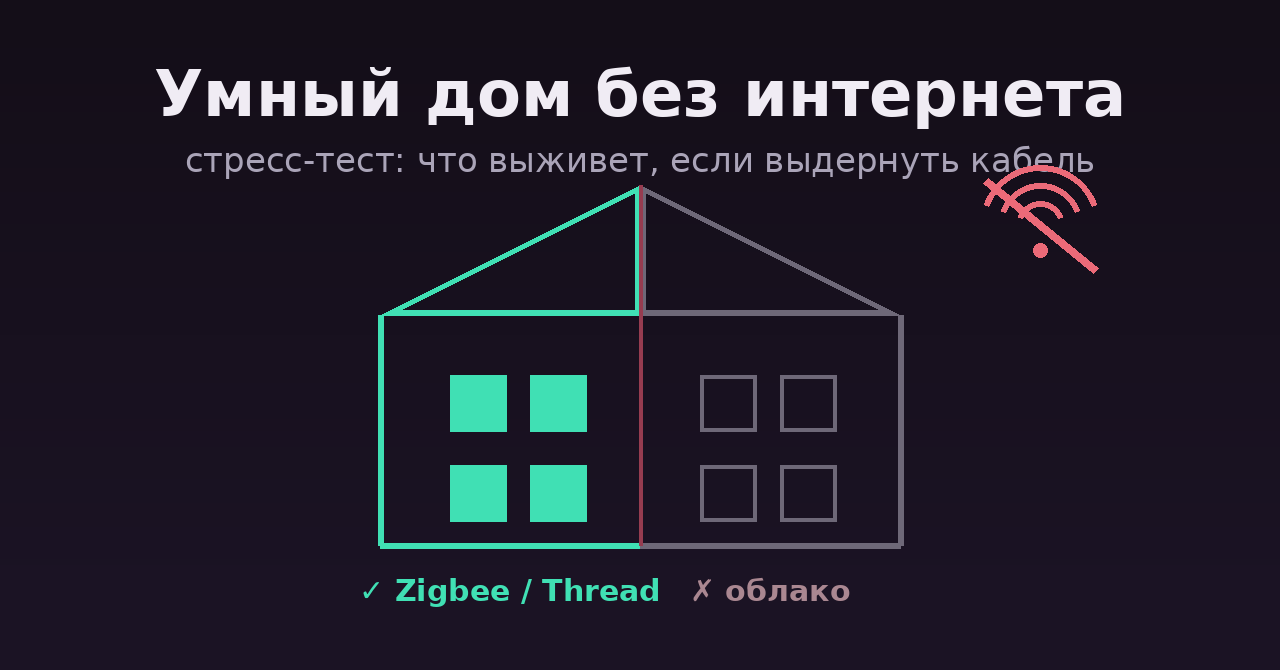
Простой эксперимент на вечер: вытащите WAN-кабель из роутера и пройдитесь по квартире. Wi-Fi жив, вся локальная сеть на месте — но в типичном «умном доме» из маркетплейсов перестанет работать почти всё: лампа не включится из приложения, робот-пылесос не поедет, колонка обиженно промолчит. Не потому, что им нужен интернет по сути задачи, а потому, что команда «включи свет» едет с вашего телефона на сервер вендора (часто в Китае) и только оттуда возвращается к лампочке в трёх метрах от вас.
Это не абстрактный риск. Производитель гаражных ворот MyQ в какой-то момент просто отключил API для собственных клиентов — устройства остались, интеграции умерли. Серверы вендоров закрываются, компании продаются, а трансграничный пинг добавляет секунды задержки в сценарий «зашёл в комнату — загорелся свет». Разберём по классам устройств, что переживёт обрыв интернета, что нет и как собирать дом, которому облако не нужно вовсе.
Home Assistant делит все интеграции на четыре IoT-класса: local push (устройство само сообщает о событиях по локальной сети — идеал), local polling (HA опрашивает устройство локально), cloud push и cloud polling (всё через сервер вендора). Класс указан на странице каждой интеграции в каталоге — смотреть его стоит до покупки устройства, а не после.
Обход дома: что выживет, а что нет
Свет, розетки, реле. Всё, что на Zigbee, — выживает целиком: протокол вообще не знает про интернет, сеть строится между координатором и устройствами. Zigbee2MQTT на сегодня поддерживает 5592 устройства от 582 вендоров — от IKEA и Aqara до безымянных Tuya-реле, которые после сопряжения с вашим координатором навсегда забывают о родном облаке. Wi-Fi-лампы и розетки из маркетплейсов — наоборот, почти всегда cloud push: без интернета они мертвы, хотя физически находятся в одной сети с вами.
Датчики. Та же граница: Zigbee/Thread-датчики движения, протечки и открытия работают автономно и по несколько лет от батарейки. Датчики, живущие только в приложении вендора, при обрыве перестают не только показывать значения, но и триггерить автоматизации — то есть «умная» защита от протечки зависит от аптайма чужого сервера.
Камеры. Самый болезненный класс. Облачные камеры без интернета не показывают даже локальный поток — хотя видео физически рождается в двух метрах от вашего сервера. Критерий выбора: отдаёт ли камера RTSP/ONVIF-поток. Если да — её можно завести в Frigate или другой локальный NVR, и запись с детекцией объектов будет работать полностью у вас.
Голосовые ассистенты. Алиса, Google Assistant и Alexa — облачные по архитектуре, тут без вариантов. Локальная альтернатива существует (Voice Assistant в Home Assistant с локальным распознаванием речи), но по качеству и удобству это пока компромисс, честнее так и сказать.
Замки, шторы, климат. Правило то же: версии на Zigbee/Z-Wave/Thread автономны, Wi-Fi-версии — как повезёт с вендором. Для замков автономность — вопрос не удобства, а безопасности: завязывать физический доступ в жильё на доступность чужого сервера — сомнительная идея.
Отдельная ловушка: даже «локальное» устройство может исполнять автоматизации в облаке. Если сценарий «датчик → включить свет» настроен в приложении вендора, логика часто крутится на его сервере, и без интернета связка распадается, хотя оба устройства локальные. Автоматизации должны жить там же, где устройства, — в вашем хабе.
Три пути к локальности
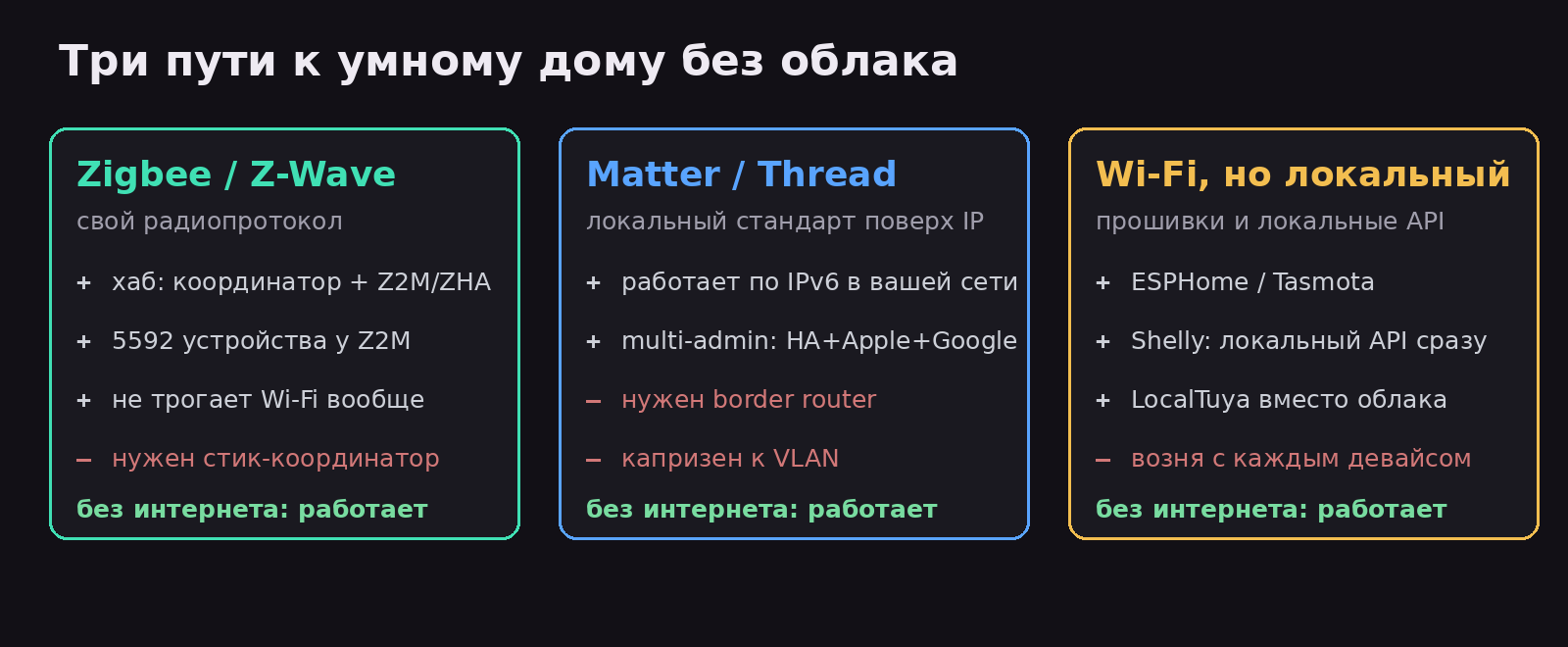
Путь 1: Zigbee / Z-Wave. Классика локального умного дома: отдельный радиопротокол, координатор-стик в USB сервера, Zigbee2MQTT или ZHA в Home Assistant. Плюс — полная независимость от Wi-Fi и максимальный парк совместимых устройств. Минус — нужен сервер (хотя бы Raspberry Pi) и стартовая возня с сопряжением.
Путь 2: Matter / Thread. Более новый стандарт, локальный по спецификации: устройства общаются по IPv6 прямо в вашей сети, управление «не требует интернет-соединения или облачных сервисов» — это прямая цитата из документации. Бонус — multi-admin: одно устройство одновременно добавляется в Home Assistant, Apple Home и Google Home. Честные минусы: для Thread-устройств нужен border router (HomePod mini, Nest Hub или OpenThread-стик), а в сложных сетях с VLAN и фильтрацией multicast Matter капризничает. И парадокс экосистемы: для устройств с хорошей нативной интеграцией (та же Philips Hue) Matter может дать меньше функций, чем фирменный протокол.
Путь 3: Wi-Fi, но локальный. Wi-Fi сам по себе не приговор — приговором является прошивка. Устройства на ESPHome/Tasmota (или перепрошиваемые на них), Shelly с локальным API из коробки, LocalTuya вместо облака Tuya — всё это работает автономно. Минус — каждый девайс требует индивидуального внимания, а перепрошивка доступна не для всего и иногда требует паяльника.
«Без облака» не значит «без удалённого доступа». Управлять домом снаружи можно через собственный VPN до квартиры — WireGuard на роутере или домашнем сервере решает это без единого чужого сервера. У нас на форуме есть целая дорожная карта домашнего сервера и разбор докер-стеков для самохостинга, куда Home Assistant встраивается естественным образом.
Стоит признать и цену вопроса: локальный умный дом требует хаба, некоторого администрирования и осознанного выбора железа. Облачное устройство «работает из коробки» ровно до тех пор, пока работает облако, — вы платите не деньгами, а зависимостью. Open Home Foundation формулирует это как «сохраните приватность, кошелёк и планету, выбирая продукты, которые работают локально и прослужат десять лет и больше» — и приводит простой тест на живучесть облачного вендора: есть ли у него понятная бизнес-модель, которая переживёт эти десять лет.
Чек-лист перед покупкой любого умного устройства: 1) найти его интеграцию в каталоге Home Assistant и посмотреть IoT-класс — брать local push/local polling; 2) для камер — проверять наличие RTSP/ONVIF; 3) для Wi-Fi-устройств — искать упоминания ESPHome/Tasmota/локального API; 4) если устройство работает только через приложение вендора и класс cloud — считать, что покупаете его во временное пользование до закрытия сервера.
Источники
- Matter в Home Assistant — официальная документация
- Zigbee2MQTT — список поддерживаемых устройств
- Open Home Foundation: How to judge devices for your home
- Каталог интеграций Home Assistant с IoT-классами
Проводили такой стресс-тест у себя? Что отвалилось первым — и удалось ли потом перевести это на локальные рельсы? Особенно интересен опыт с LocalTuya: у кого какие устройства согласились работать без родного облака?