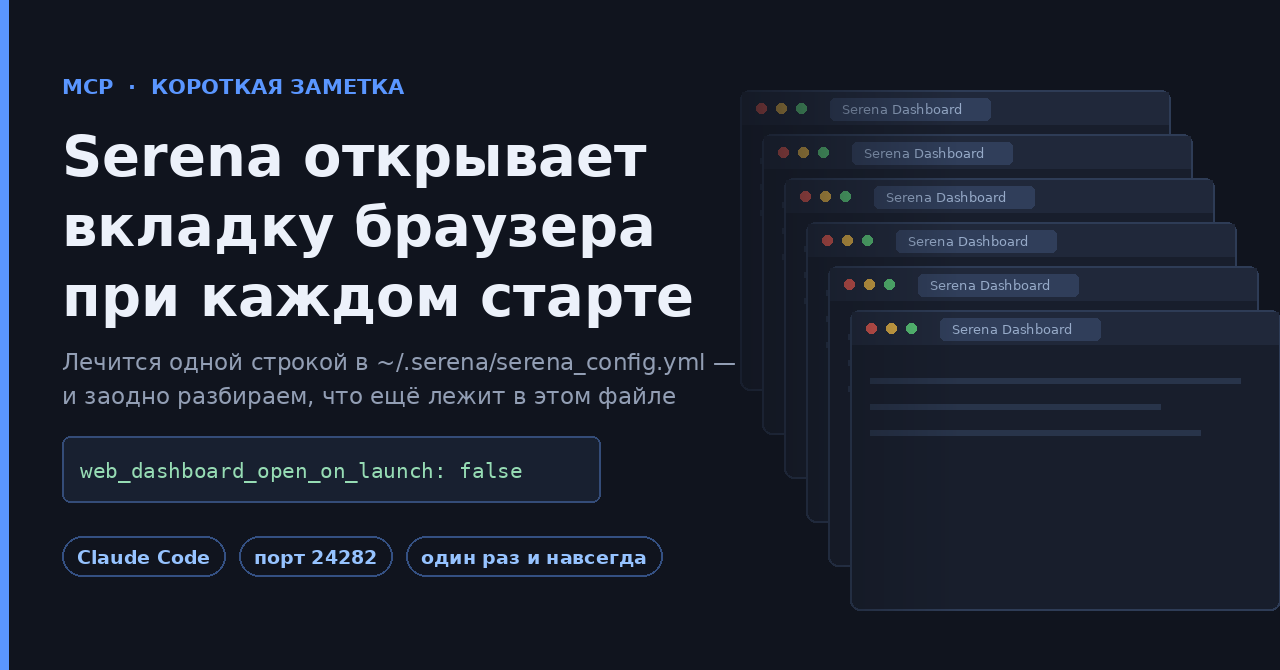
Симптом знаком всем, кто подключил Serena к Claude Code сразу в нескольких проектах: запускаешь сессию — открывается вкладка с дашбордом Serena. Перезапустил MCP-сервер — ещё одна. К концу рабочего дня в браузере полтора десятка одинаковых вкладок localhost:24282, и закрывать их приходится руками.
Лечится одной строкой.
Решение
mkdir -p ~/.serena
Дальше в файл ~/.serena/serena_config.yml добавляем:
web_dashboard_open_on_launch: false
Всё. Дашборд продолжит работать, просто перестанет сам лезть в браузер.
Почему так происходит
Дело не в баге, а в дефолте. В шаблоне конфигурации Serena параметр web_dashboard_open_on_launch выставлен в True — то есть при старте MCP-сервера дашборд открывается автоматически, и это задумано как удобство.
Проблема в том, что в связке с агентом MCP-сервер стартует куда чаще, чем предполагает такая логика: на каждый новый проект, на каждый перезапуск клиента, на каждую переподключённую сессию. Одно «удобное» открытие превращается в поток вкладок.
Сам дашборд при этом полезный — он показывает текущий статус и конфигурацию (активные инструменты, языки, включённые режимы и контексты), историю и статистику вызовов инструментов, живые логи, а также позволяет менять настройки на лету, править конфиги и память проекта и останавливать MCP-сервер. Терять его не надо — надо просто открывать по требованию.
Как попасть в дашборд, когда он нужен
Адрес по умолчанию — http://localhost:24282/dashboard/index.html. Если порт занят или запущено несколько экземпляров Serena, она возьмёт следующий свободный порт выше. Можно и просто попросить агента: «открой дашборд Serena».
Раз уж файл открыт: что ещё лежит в serena_config.yml
Этот конфиг многие видят один раз в жизни — как раз в такой ситуации. Полезно знать, что там ещё есть, потому что половина ключей решает соседние раздражители.
| Ключ | Значение по умолчанию | Что делает |
|---|---|---|
web_dashboard |
True |
сам веб-дашборд; false выключает его целиком |
web_dashboard_open_on_launch |
True |
автооткрытие при старте — тот самый виновник |
web_dashboard_interface |
не задан | способ показа: браузер, нативное окно с иконкой в трее, менеджер в трее для нескольких экземпляров |
web_dashboard_listen_address |
127.0.0.1 |
на каком адресе слушать |
gui_log_window |
False |
legacy-окно логов; в основном Windows, местами Linux |
log_level |
20 |
уровень логирования (20 — INFO) |
trace_lsp_communication |
False |
трассировка обмена с языковым сервером |
tool_timeout |
240 |
предельное время выполнения инструмента, секунды |
default_max_tool_answer_chars |
150000 |
потолок размера ответа инструмента |
symbol_info_budget |
10 |
бюджет на получение информации о символах — снижают на медленных LSP |
ignored_paths |
[] |
пути-исключения в синтаксисе gitignore |
excluded_tools / included_optional_tools |
[] |
отключить лишние инструменты или включить опциональные |
read_only_memory_patterns |
[] |
какие файлы памяти проекта агент не может править |
project_serena_folder_location |
$projectDir/.serena |
куда класть папку проекта Serena |
base_modes |
[interactive, editing] |
базовые режимы работы |
Отдельно обратите внимание на excluded_tools: Serena приносит в контекст немаленький набор инструментов, и если часть из них вам не нужна, вычеркнуть их — прямая экономия токенов на каждом запросе.
~/.serena/serena_config.yml — глобальный файл, он действует на все проекты сразу. Это ровно то, что нужно для автооткрытия дашборда, но если вы полезли туда крутить excluded_tools или ignored_paths, помните, что настройки уровня проекта живут в другом месте — в .serena/project.yml внутри самого проекта.
Если конфига ещё нет
Актуальная установка Serena выглядит так:
uv tool install -p 3.13 serena-agent
serena init
serena init как раз и создаёт ~/.serena/serena_config.yml из шаблона — то есть проще один раз выполнить инициализацию, чем писать файл руками. Подключение к Claude Code:
# глобально, проект определяется по текущему каталогу
claude mcp add --scope user serena -- serena start-mcp-server --context claude-code --project-from-cwd

# либо для конкретного проекта
claude mcp add serena -- serena start-mcp-server --context claude-code --project "$(pwd)"
В исходной японской заметке упоминается альтернатива — передать отключение дашборда флагом запуска MCP-сервера. В текущей документации Serena я такого флага не нашёл: управление дашбордом описано именно через ключи конфига. Поэтому надёжный путь — конфиг; если у вас флаг работает, напишите в комментариях, дополню.
Мелочь на одну строку, но из тех, что экономят по десять раздражающих движений в день. Такие вещи имеет смысл прописывать сразу после установки любого MCP-сервера — вместе с проверкой того, какие инструменты он тащит в контекст.
По теме на форуме
- Агент в режиме «разрешаю всё»: контейнер, microVM или отдельная машина
- Пять дней с живым токеном: как автофикс от ИИ вернул инъекцию в GitHub Actions
Источники
- Исходная заметка Coji Mizoguchi на Zenn
- oraios/serena — репозиторий проекта
- Шаблон serena_config.yml в репозитории
- Документация Serena: дашборд и GUI-инструменты
- Документация Serena: подключение клиентов
А какие ещё дефолты MCP-серверов вы отключаете сразу после установки? У меня набирается список из мелочей вроде этой: автозапуски интерфейсов, избыточное логирование, инструменты, которые едят контекст и никогда не вызываются. Интересно собрать общий список — что вы правите первым делом?