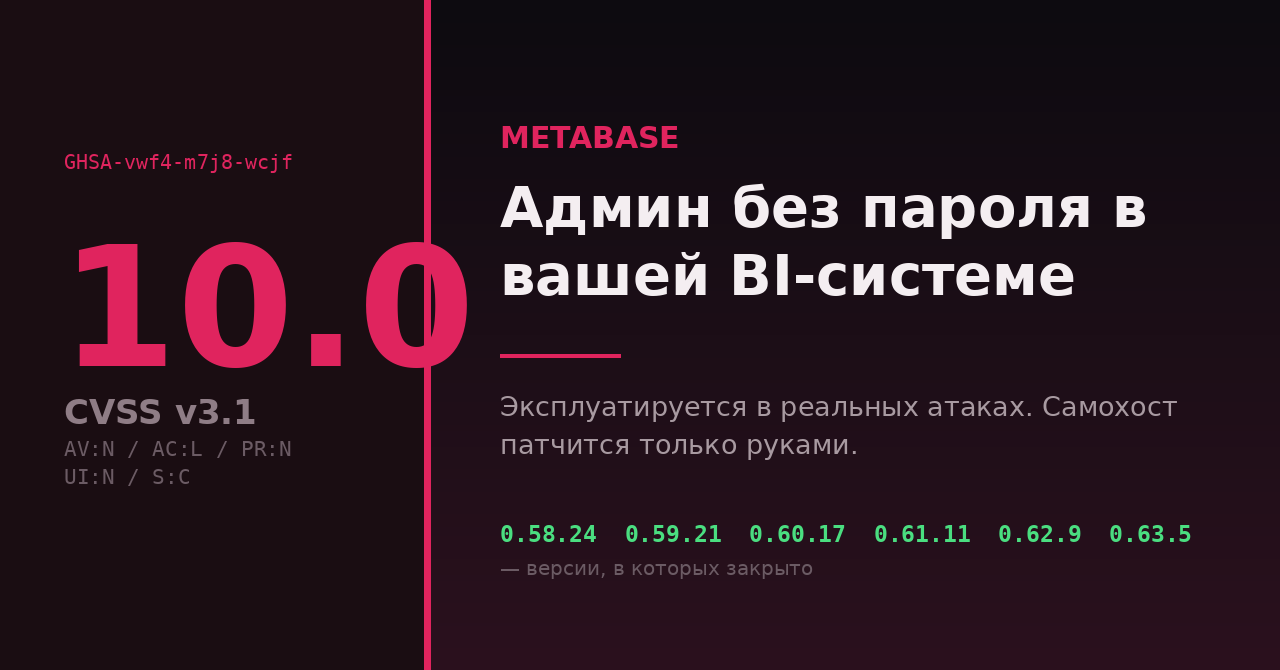
Если у вас в хоумлабе или на проде крутится самохостовый Metabase — отложите чтение остального и посмотрите версию прямо сейчас. 6 августа Metabase опубликовала advisory о критической уязвимости с оценкой CVSS 10.0, которую уже эксплуатировали в реальных атаках. Пароль не нужен, взаимодействие пользователя не нужно, результат — права администратора инстанса и доступ к сохранённым кредам всех подключённых баз.
Ниже — не пересказ новости, а порядок действий: как за пять минут понять, вы в зоне поражения или нет, что закрыть, если обновиться прямо сейчас нельзя, и как по логам проверить, приходили ли уже к вам.
Уязвимые ветки: v58.0–v58.22, v59.0–v59.19, v60.0–v60.15, v61.0–v61.9, v62.0–v62.7, v63.0–v63.2.
Исправленные версии: 0.58.24, 0.59.21, 0.60.17, 0.61.11, 0.62.9, 0.63.5 (для Enterprise/Pro — те же номера с префиксом 1.).
Metabase Cloud пропатчен вендором. Самохост — только руками.
Что именно сломано
Уязвимость получила идентификатор GHSA-vwf4-m7j8-wcjf. CVE на момент публикации не назначен — это важно, потому что если вы сканируете инфраструктуру только по CVE-фидам, эта дыра у вас не подсветится.
Точка входа — эндпоинт POST /api/session/reset_password, тот самый, что обслуживает форму «забыли пароль». Через него неаутентифицированный клиент может подставить произвольный SQL в служебную базу самого Metabase (application database — та, где живут пользователи, дашборды, права и настройки подключений). Формулировка advisory: инъекция «can give them administrator access to the instance».
Вектор в терминах CVSS v3.1: сеть, низкая сложность, привилегии не требуются, взаимодействие пользователя не требуется, Scope: Changed — отсюда и ровные 10.0. Такую оценку в реальной жизни видишь нечасто.
Почему BI-система — худшее место для дыры такого класса
Тут стоит остановиться, потому что многие недооценивают масштаб. Metabase по своей природе — это шкаф с ключами. Чтобы строить дашборды, он хранит учётные данные подключённых источников: production-Postgres, реплика MySQL, ClickHouse, S3-подобные хранилища, что вы туда завели. Получив админа в Metabase, атакующий:
- читает и выгружает данные через штатный SQL-редактор — с точки зрения вашей БД это легитимный запрос от легитимного пользователя;
- добирается до сохранённых кредов подключений и может пойти в базы напрямую, минуя Metabase;
- меняет настройки, заводит себе API-ключи и остаётся в системе после того, как вы обновитесь.
Компрометация Metabase — это почти всегда компрометация всего, к чему Metabase подключён. Обновление закрывает вход, но не выгоняет того, кто уже внутри. Поэтому «обновился и забыл» здесь не работает.
Шаг 1. Узнать свою версию (30 секунд)
Metabase отдаёт версию на публичном эндпоинте — авторизация не требуется:
curl -s http://localhost:3000/api/session/properties | jq -r '.version.tag'
# → "v0.62.7"
Если jq нет:
curl -s http://localhost:3000/api/session/properties | grep -o '"tag":"[^"]*"' | head -1
Для Docker-развёртывания полезно посмотреть, какой образ реально запущен, — тег latest любит расходиться с тем, что вы думаете:
docker inspect --format '{{.Config.Image}} {{.Image}}' metabase
Про нумерацию. У Metabase две линейки одного и того же кода: 0.x — открытая версия (OSS), 1.x — Enterprise/Pro. То есть 0.63.5 и 1.63.5 — это одна и та же сборка с разным набором лицензионных фич. В advisory ветки называют без префикса («v63»), в тегах Docker-образов префикс есть. Не запутайтесь при сравнении.
Шаг 2. Обновиться — или закрыть эндпоинт руками
Правильный путь — поднять версию до исправленной в своей ветке. Для Docker это смена тега на конкретный номер (не на latest) и пересоздание контейнера:
services:
  metabase:
    image: metabase/metabase:v0.63.5   # или v0.62.9, v0.61.11, v0.60.17, v0.59.21, v0.58.24
Если обновление прямо сейчас невозможно — окно обслуживания, зависимости, миграция схемы, — advisory прямо разрешает временный обход: закрыть /api/session/reset_password на реверс-прокси. Функционально вы теряете только самообслуживаемое восстановление пароля.
nginx:
location = /api/session/reset_password {
    return 404;
}
Caddy:
@reset path /api/session/reset_password
respond @reset 404
Traefik (метка на сервисе, middleware по пути):
- "traefik.http.middlewares.mb-block.replacepath.path=/blocked"
- "traefik.http.routers.mb-block.rule=Host(`bi.example.com`) && Path(`/api/session/reset_password`)"
- "traefik.http.routers.mb-block.middlewares=mb-block"
Чего делать нельзя: считать, что вас спасёт «Metabase же у меня за VPN / в приватной сети». Проверьте это утверждение, а не примите на веру. Типовая ловушка самохостера — контейнер, опубликованный как 3000:3000 на хосте с белым IP, при том что в UFW «всё закрыто»: Docker пишет правила в DOCKER-USER/nat и обходит пользовательские цепочки INPUT. На форуме про это есть отдельный разбор — UFW-Docker: как закрыть порты Docker-контейнеров.
Шаг 3. Проверить логи: приходили ли к вам
Metabase опубликовала внятный индикатор компрометации. Признак успешной атаки — связка из двух запросов с одного адреса:
POST /api/session/reset_password→ ответ 400- следом
GET /api/user/current→ ответ 200
Второй запрос с кодом 200 означает, что у клиента появилась валидная сессия — то есть попытка сработала. Одиночный 400 на первом эндпоинте сам по себе ещё ни о чём не говорит: так же выглядит обычная опечатка в форме восстановления.
Грубый поиск по access-логу nginx:
grep -E 'POST /api/session/reset_password HTTP/[0-9.]+" 400' /var/log/nginx/access.log
Чуть аккуратнее — вытащить IP, у которых есть обе половины связки:
awk '$0 ~ /reset_password/ && $0 ~ / 400 / {bad[$1]=1}
     $0 ~ /\/api\/user\/current/ && $0 ~ / 200 / && bad[$1] {print $1}' \
     /var/log/nginx/access.log | sort -u
Скрипт наивный (он не сверяет порядок и время), поэтому воспринимайте его как фильтр первого приближения: получили список адресов — идите смотреть их сырые строки глазами.
Если Metabase у вас опубликован без реверс-прокси, ищите те же обращения во внутреннем журнале самого приложения (docker logs metabase) и в аудит-логе активности. Помните про ретенцию: если логи живут неделю, а атака была 3 августа — вы можете смотреть уже в пустоту. Отсутствие следов ≠ отсутствие взлома.
Шаг 4. Если версия была уязвимой — считайте, что вас достали
Это неприятный, но правильный дефолт: инстанс, торчавший наружу уязвимой версией с 3 по 7 августа, надо разбирать так, как будто в нём побывали. Порядок из advisory, плюс здравый смысл:
Чек-лист после обновления
- Убить все сессии — очистить таблицу
core_sessionв служебной БД Metabase. Для внешней Postgres/MySQL:DELETE FROM core_session;. Для встроенной H2 (дефолт «поиграться») отдельного клиента у вас, скорее всего, нет — проще пересоздать инстанс с нуля. - Проверить API-ключи — Admin → Settings → Authentication → API keys. Всё, чего не заводили вы, — удалить.
- Пересмотреть список администраторов — новые аккаунты, внезапно повышенные роли, изменённые адреса почты у существующих админов.
- Ротировать пароли всех подключённых БД — не в Metabase, а на стороне самих баз. Это ключевой пункт: без него обновление бессмысленно.
- Посмотреть логи хранилищ, а не только Metabase: нетипичные
SELECT *по большим таблицам, выгрузки, обращения с чужих адресов. - Пересмотреть права сервисной учётки, под которой Metabase ходит в базы. Read-only и ограниченный набор схем — минимум, который стоило сделать ещё вчера.
Кого уже задело
Публично о доступе к своим данным через этот вектор сообщили как минимум производитель ноутбуков Framework и сервис форм Tally. Framework описывает утёкший набор как имена, адреса электронной почты, IP входа, платёжные и адресные данные, телефоны и названия компаний; платёжные реквизиты, по заявлению компании, не пострадали, так как обрабатываются на стороне Stripe. Обе компании использовали не свой самохост, а облачный Metabase — то есть под удар попали и те, кто вообще не занимался эксплуатацией BI-системы.
Отдельно стоит вчитаться в формулировку из ответа Framework: компания пишет, что теперь «оценивает объём и глубину данных, передаваемых в BI-платформы, и сужает их доступ до колонок, необходимых для анализа». Это, по сути, признание типовой ошибки — в аналитику по умолчанию заливают всё подряд, потому что так проще, а разграничение колонок откладывают на потом.
Полезное упражнение на вечер, не связанное с этой конкретной дырой: откройте свои подключения в Metabase (или Superset, Redash, Grafana — неважно) и честно ответьте, зачем аналитическому контуру доступ к таблице с телефонами, адресами и хешами паролей. В 90 % хоумлаб- и небольших продакшен-инсталляций ответ — «просто дали доступ ко всей базе, чтобы не возиться». Это ровно та переменная, которая превращает «взломали дашборд» в «утекла база клиентов».
Что здесь непроверенного
Честно обозначу границы. Технические детали эксплойта (как именно формируется полезная нагрузка) вендор не раскрывает, и это правильно — публичный PoC сейчас только ускорил бы массовое сканирование. Оценок числа торчащих в интернет уязвимых инстансов в официальных материалах нет; цифры, которые начнут ходить по новостям в ближайшие дни, до появления данных Shadowserver или Censys стоит считать оценочными. Атрибуции атакующих тоже нет — кто это был, публично не установлено.
Источники
- Metabase Security Advisory GHSA-vwf4-m7j8-wcjf — первоисточник: версии, IoC, шаги реагирования
- Metabase blog — Security update — официальное сообщение вендора от 6 августа 2026
- Framework Community — обсуждение утечки — заявление компании и реакция пользователей
- BleepingComputer — Framework, Tally disclose Metabase data theft attacks
- The Hacker News — Metabase Zero-Day Exploited in the Wild
А как у вас разграничен доступ аналитики к боевым базам — отдельная read-only роль с явным списком схем, реплика или всё-таки «дали тот же пароль, что и приложению»? И держите ли вы BI вообще открытым наружу, или он живёт только за VPN?